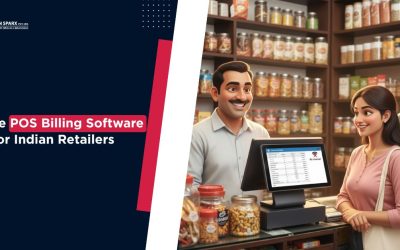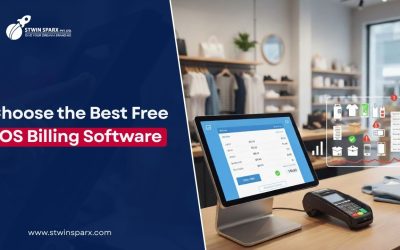
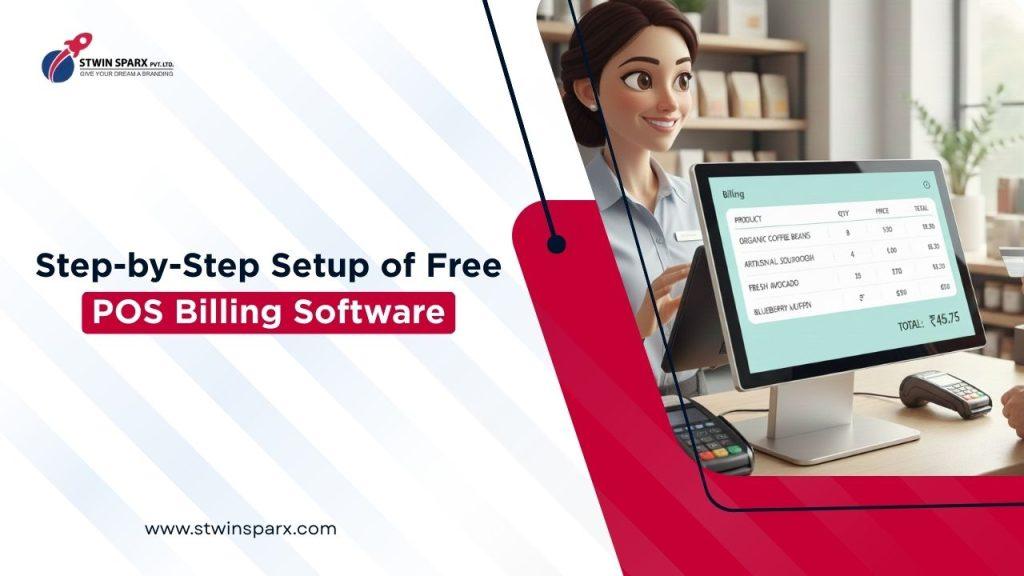
Setting up a POS system does not have to be complex or expensive. Many retail stores now use free POS billing software to speed up checkout, manage inventory, and handle payments smoothly. If you are new to POS systems, this step-by-step guide will help you set up and start using free POS billing software without confusion.
Why Free POS Billing Software Is Ideal for Fast Checkout
Fast checkout is essential for customer satisfaction. Long queues and slow billing often lead to lost sales. Free POS billing software helps automate calculations, reduce manual errors, and complete transactions quickly. It also gives small businesses a cost-effective way to move to digital billing.
What You Need Before Setting Up Free POS Billing Software
Before starting, make sure you have the basics ready. You need a device like a desktop, laptop, tablet, or mobile phone. A stable internet connection is helpful, although many POS systems also work offline. You may also need a printer and barcode scanner, depending on your store setup.
Step 1: Create Your Free POS Billing Software Account
The first step is signing up for a POS account. Most free POS billing software platforms require basic business details like store name, phone number, and email. Account creation usually takes only a few minutes. Once done, you can log in and access the dashboard.
Step 2: Configure Store Settings in Free POS Billing Software
After login, set up your store details. Add your business name, address, tax details, and invoice preferences. This ensures that all bills generated are professional and GST-ready. Proper setup at this stage avoids billing issues later.
Step 3: Add Products and Inventory
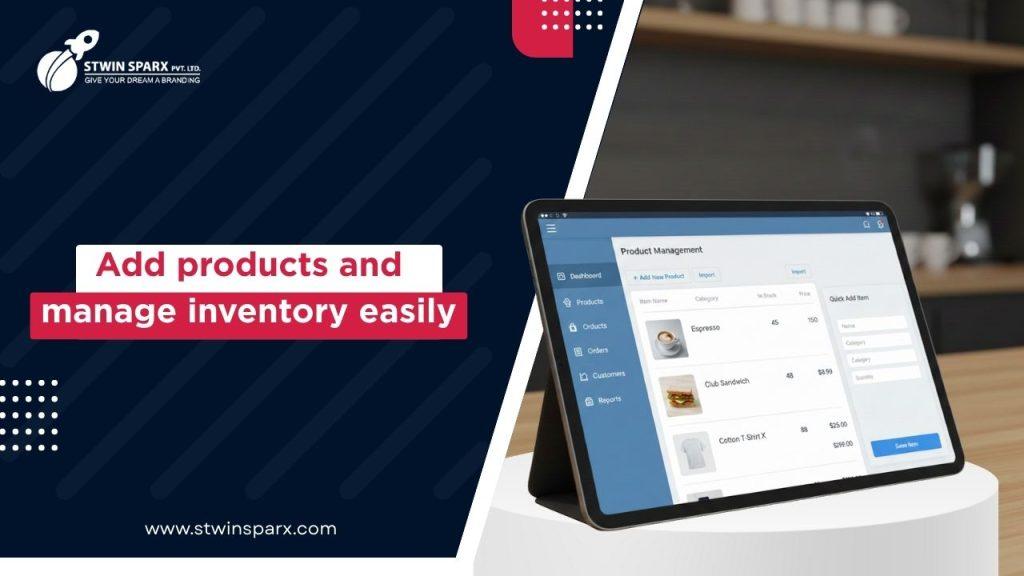
Now, add your products to the system. You can enter product names, prices, GST rates, and stock quantity. Many systems allow bulk upload to save time. Once added, the inventory updates automatically whenever a sale is made.
Managing Inventory Easily with Free POS Billing Software
Inventory tracking is one of the biggest benefits of POS systems. As items are sold, stock levels update in real time. Low-stock alerts help you restock on time and avoid missed sales.
Step 4: Set Up Payment Methods for Fast Billing
Customers prefer multiple payment options. Free POS billing software usually supports cash, cards, UPI, and wallet payments. Enable all required payment modes so billing remains smooth and flexible during checkout.
Step 5: Start Billing Using Free POS Billing Software
Once setup is complete, you can start billing customers. Select products, apply discounts if needed, choose the payment mode, and generate the bill. The system calculates totals instantly and reduces manual work.
How Free POS Billing Software Speeds Up Checkout
With automated pricing and tax calculation, billing takes only seconds. Staff can complete transactions faster, reducing queues and improving customer experience.
Step 6: Use Reports to Monitor Sales Performance in Free POS Billing Software
POS systems automatically generate reports. You can view daily, weekly, or monthly sales data. Reports show top-selling products and revenue trends, helping you make better business decisions.
Step 7: Test Offline Mode Before Daily Use
Internet issues can happen anytime. A good free POS billing software works offline and syncs data once the connection is restored. Always test offline billing before relying on it during peak hours.
Common Mistakes to Avoid While Using Free POS Billing Software
Avoid skipping setup steps. Incorrect tax settings or missing product details can cause billing errors. Also, train your staff properly so everyone knows how to use the system efficiently.
Recommended Free POS Billing Software Solution to Get Started
If you are looking for a reliable and easy-to-use POS solution built for Indian retailers, explore https://crm.stwinsparx.com/top-billing-pos-software-company-in-udaipur/. It offers billing, inventory, and reporting features designed for fast and smooth checkout.
Conclusion
Setting up free POS billing software is a simple process when done step by step. From account creation to billing and reporting, each stage helps improve checkout speed and store efficiency. With the right setup, your retail store can serve customers faster and manage operations more effectively.