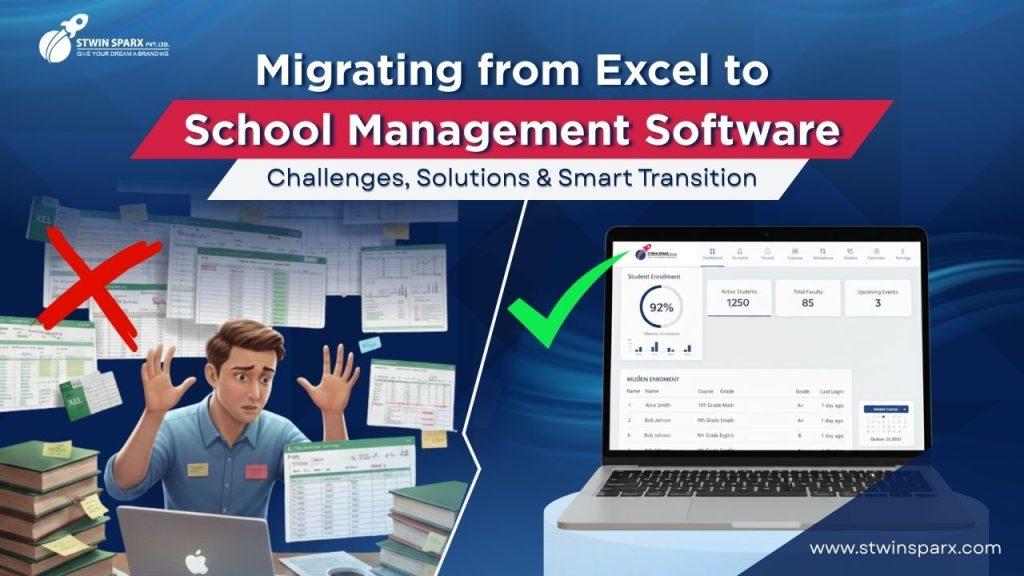
Many schools still depend on Excel for daily work. Student records, attendance, fees, and reports are often managed in separate sheets. However, as schools grow, Excel starts creating problems. That is why many institutions now shift to school management software for smoother operations.
Moving from Excel to software may look difficult at first. Still, with the right steps, the transition becomes easy and safe.
Why Schools Still Rely on Excel for Daily Operations
Familiarity and low initial cost
Excel is easy to use. Most staff already knows it. Also, it does not require extra investment. Because of this, schools continue using it for years.
Common use cases of Excel in schools
Excel is used for attendance tracking, fee lists, exam marks, and staff records. Initially, this feels manageable.
Why Excel becomes a problem as schools grow
As student numbers increase, Excel files multiply. Soon, data becomes scattered. Errors increase. Coordination becomes harder.
Limitations of Managing Schools Using Excel Sheets
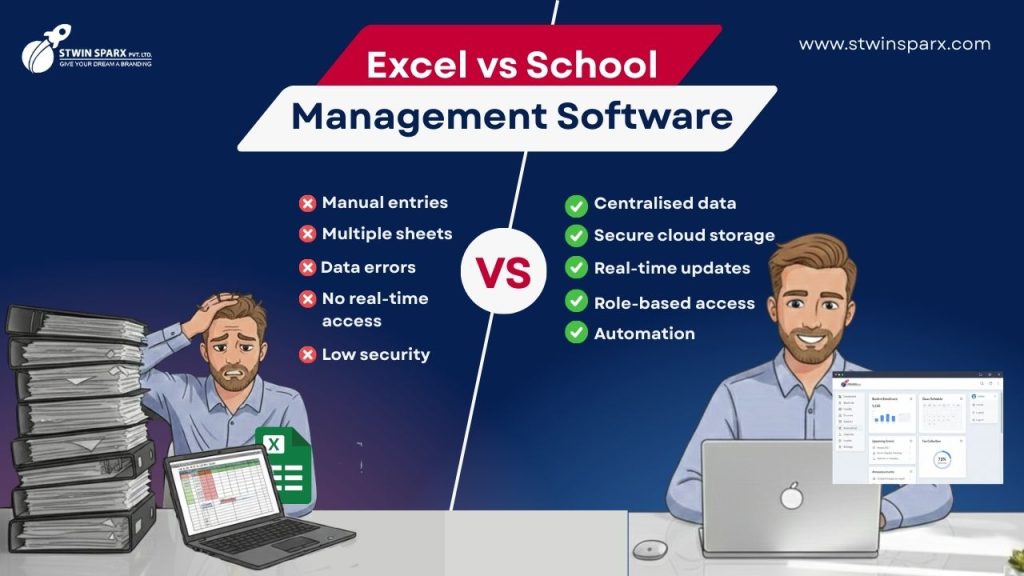
Excel often leads to scattered records and manual errors, which are common data management challenges in schools
Data duplication and manual errors
The same data is entered many times. As a result, mistakes happen. Corrections also become time-consuming.
No real-time updates or central access
Excel files are stored on different systems. Therefore, real-time access is missing. Teams often work on outdated data.
Difficulty in managing multiple departments
Accounts, academics, and admin work separately. Excel does not connect them. Because of this, coordination suffers.
Poor data security and access control without school management software
Excel files can be copied easily. Sensitive data stays exposed. There is no role-based access.
Challenges Schools Face While Moving from Excel to School Management Software
Fear of data loss during migration
Schools worry about losing years of data. This fear often delays the decision.
Resistance from staff and teachers
Staff may feel uncomfortable with new systems. Change is usually resisted at first.
Data cleaning and formatting issues
Old Excel files often contain duplicates and errors. Cleaning them requires planning.
Training and adoption concerns for school management software
Without training, staff may not use the software properly. This affects results.
How School Management Software Solves Excel Problems
Centralised database for all records
All student and staff data stays in one system. This removes duplication and confusion.
Automated attendance, fees, and reports
Daily tasks get automated. Therefore, manual work reduces sharply.
Real-time access with role-based permissions
Admins, teachers, and parents see only what they need. Data stays secure and updated.
Cloud storage with regular backups in school management software
Data is stored safely. Even if systems fail, information remains protected.
You can explore how this works in practice through our
👉 school management software.
Step-by-Step Guide to Migrating from Excel to School Management Software
Audit and clean existing Excel data
First, review all Excel sheets. Remove duplicates. Fix missing entries.
Choose the right school management software
Select software that fits your school size and future growth.
Upload and validate data with school management software
Data is uploaded in stages. Validation checks are done to ensure accuracy.
Train staff and start with phased rollout
Training sessions are conducted. One department is started first. Others follow later.
Common Mistakes to Avoid During Excel to ERP Migration
Migrating unclean data in school management software
Old errors should not be moved into new systems.
Skipping staff training
Without training, adoption remains low.
Expecting instant results
ERP improves operations gradually. Testing and adjustment are needed.
Benefits After Switching from Excel to School ERP
Reduced manual work and fewer errors
Automation handles routine tasks. Accuracy improves.
Faster decisions with real-time data in school management software
Reports are generated instantly. Management acts quickly.
Better parent communication with school management software
Parents receive updates through portals and apps. Transparency increases.
Why a Free Demo Helps Schools Switch with Confidence
A free demo allows schools to test features before full implementation. Staff understands the system better. Risks reduce. Decisions become easier.
You can request a
👉 free demo of our school management software
to experience the workflow before switching.
Conclusion: Why Moving Beyond Excel Is the Right Step

Excel works only up to a point. As schools grow, limitations become clear. School management software brings structure, accuracy, and control. It connects departments and simplifies daily work. With the right planning, migration becomes smooth and rewarding.